
Winshark Casino Login
Get back in the game—reset your password and regain instant access to your account.
Winshark Casino Games






Game Library





It's annoying to lose access to your Winshark Casino account, so here are the solutions. Logging in requires your email, password and a confirmation email. For each typical issue, there's a straightforward fix - reset your password, clear cookies, handle KYC checks or use the 24/7 live chat.
How to Log In: Step-by-Step
To log in to Winshark Casino, enter the email and password you chose when you signed up. The site also sends a confirmation email. Two-factor authentication is not a standard feature.
Go to the Winshark Casino website in your browser.
Select the Log In button.
Type in the email and password you used to register.
If prompted, check your email and complete the confirmation step.
Submit your details and you will enter your account.
Make sure you type your email correctly and that caps lock is disabled before you click submit.
Login Problems and Fixes
Issues with access often stem from a wrong password, outdated browser cache or a pending verification. This table links each sign to its probable reason and simplest solution.
| Problem | Likely Cause | Quick Fix |
|---|---|---|
| Wrong password message | Typo, caps lock or a forgotten password | Retype carefully, then reset the password |
| Page loops or will not load the account | Old cookies and cached data | Clear cookies and cache, then reload |
| Confirmation email missing | Spam folder or a mistyped address | Check spam, then ask live chat to confirm the email on file |
| Account locked | Restriction placed on the account | Contact live chat and follow support instructions |
| Login works but withdrawal is blocked | KYC checks still open | Upload the requested documents |
To clear browser data:
- Go to your browser's settings and locate the section for cookies and site data.
- Find the entries for the Winshark Casino site.
- Remove the cookies and any cached files.
- Shut the browser, start it again and try logging in.
How to Reset Your Password
You can change your password yourself. The new one works as soon as you save it. Pick a password that is unique to this site.
- On the login page, click the link for forgotten passwords.
- Type the email address linked to your account.
- Open the password reset email and click the link inside.
- Create your new password and confirm the change.
- Access your account using the updated password.
Wait a few minutes for the reset email. Look in your spam folder if it hasn't arrived. Still no email? Use live chat so the team can check your account.
Account Locked or Suspended
Account locks or suspensions can only be removed by the support team, so reach out to them before trying again. Two common scenarios lead to restricted access:
- You received a request for verification documents but haven't sent them.
- You previously asked support to self-exclude your account.
Follow these steps to unblock your account:
- Start by contacting support via live chat (open 24/7) or email from your registered address.
- Explain you cannot log in and provide your registered email.
- Support will check your account and explain the issue.
- Finish any required action, like submitting documents.
- Support will remove the restriction after their review.
Request self-exclusion by email or live chat. A self-excluded account remains locked. If gambling is no longer enjoyable, Ontario players can call ConnexOntario at 1-866-531-2600. Other provinces have their own support lines.
KYC Verification
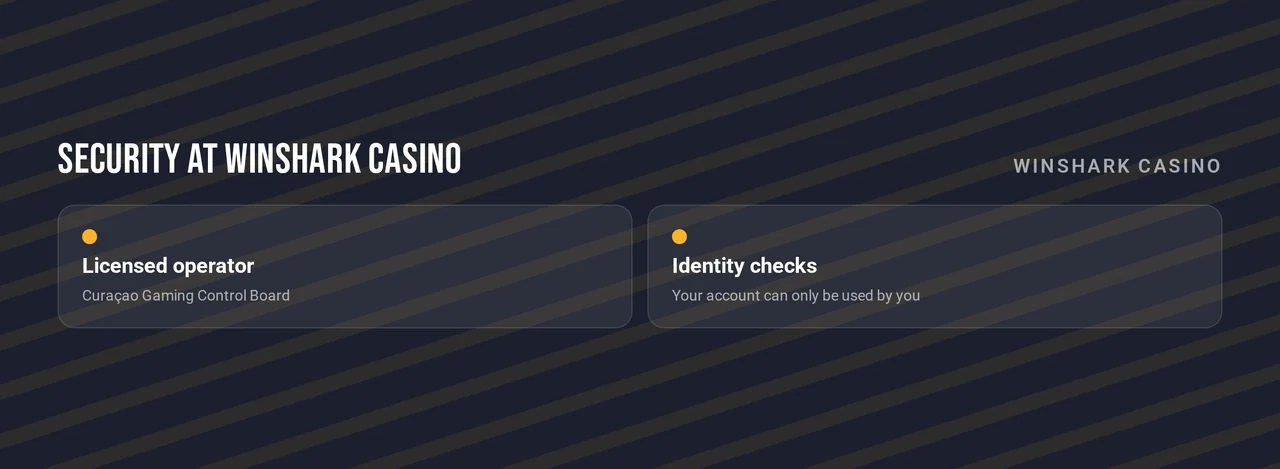
Winshark Casino performs standard KYC checks. Before a withdrawal or when asked, you may need to provide a government-issued photo ID, proof of address and proof of payment method. Missing verification can limit your account until you finish it.
- Submit these documents via live chat or email when support requests them.
- Support will examine the documents and notify you of the outcome.
- Once your verification is confirmed, withdrawals become available on your account.
Logging In on Mobile
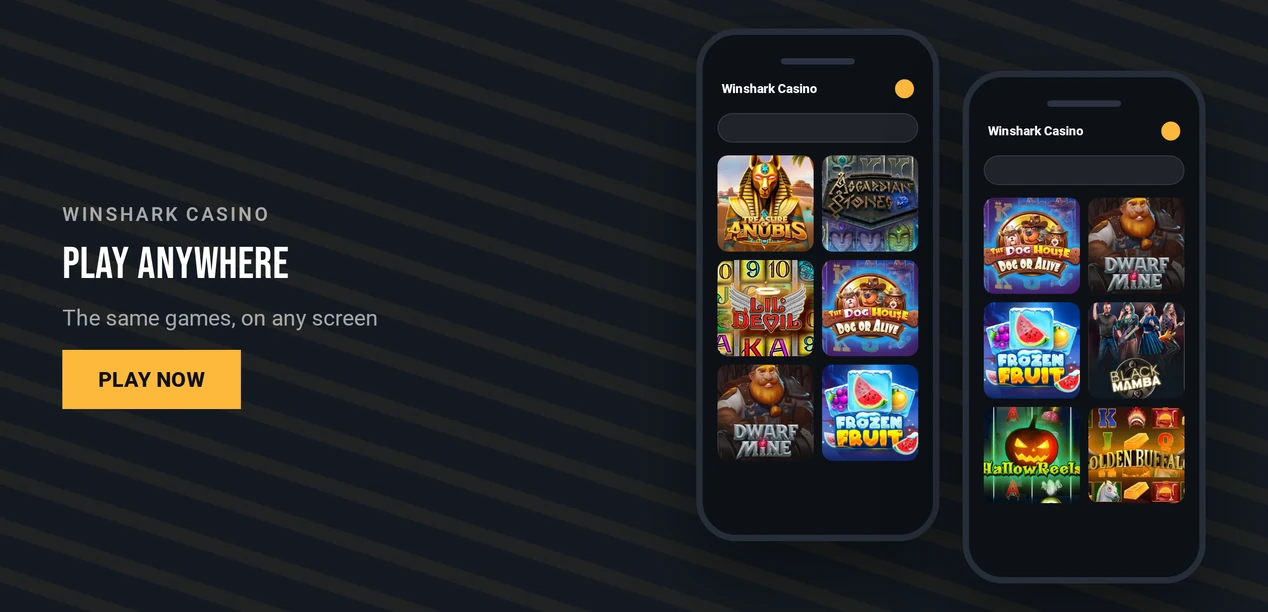
Winshark Casino does not provide dedicated iOS or Android apps. Instead, you access your account via a mobile browser, where the site functions as a responsive web application.
| Device | How to Log In |
|---|---|
| iPhone | Open the site in your mobile browser and sign in |
| Android | Open the site in your mobile browser and sign in |
| Fingerprint or face login | Not offered |
- Launch your mobile browser and navigate to the Winshark Casino website.
- Tap Log In.
- Provide your email address and password, then follow the email verification step.
Push notifications are unavailable, so look for any confirmation messages in your email inbox.
Contact Support
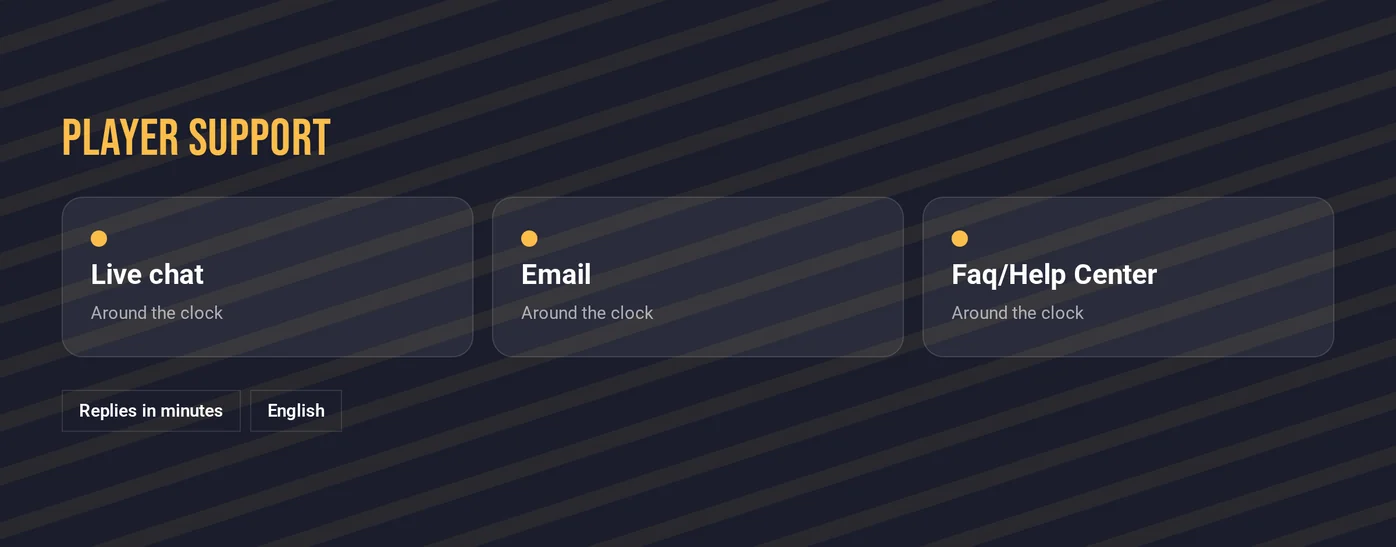
Live chat operates 24/7 and provides the quickest help for locked accounts, missing confirmation emails, and KYC inquiries. Support is conducted in English.
| Channel | Best For | Language |
|---|---|---|
| Live chat | Locked accounts, login errors, self-exclusion requests | English |
| Documents and detailed account cases | English | |
| FAQ/help center | Self-service answers | English |
Keep your registered email address handy when reaching out to support, as agents need it to locate your account.
FAQ
Winshark Casino is intended for players aged 19 and older. Keep gambling as entertainment: set affordable limits and pause if it ceases to be enjoyable.